Send payments securely to anywhere in the world.
Client
Case Study
Industry
Finances
Services
Product Design
Period
2024
Context
As part of a case study exercise, I was asked to choose a product to redesign. One that would allow me to demonstrate my problem-solving and design skills. I chose PayPal, the most widely used online payment platform. Despite its massive adoption, PayPal has a high volume of dissatisfied users and presents several usability challenges, making it a strong candidate for UX improvement.
Discovery
Step 1
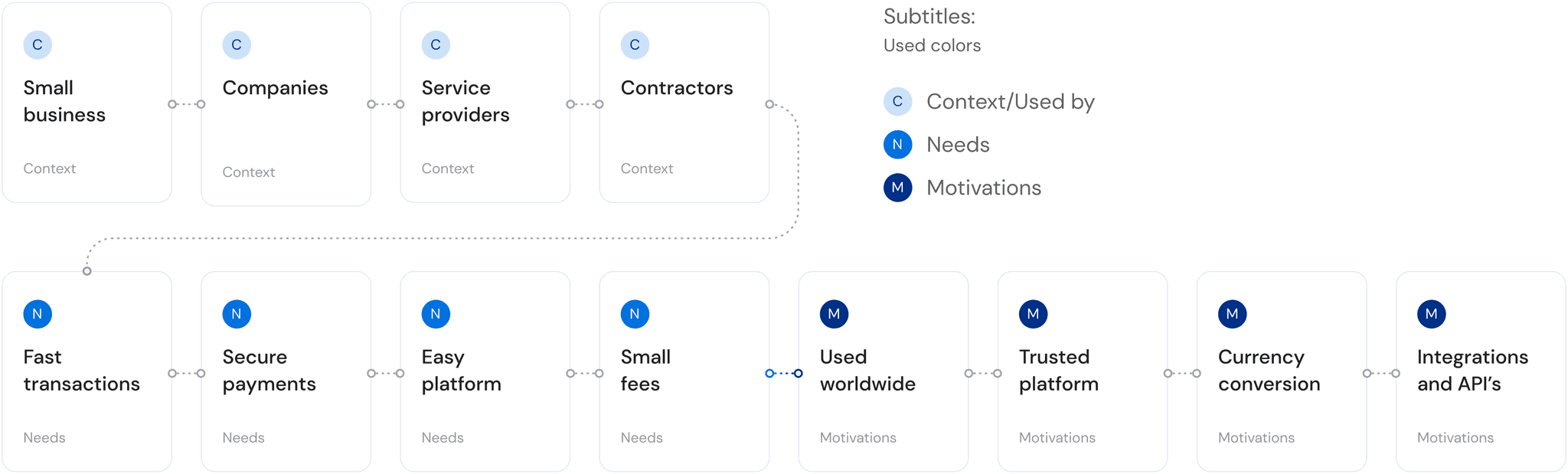
Understand contexts, user needs and motivations
Step 2
Identify common user opinions* and app issues
Lack of transparency and information
High fees
Account limitations
Limited customer support
Weak security
Lack of responsiveness
Poor transaction details
Complex navigation
*Data collected by Trustpilot with a 1.3 stars average (29,106 total)
Definition
Inconsistent Design and Complex Navigation
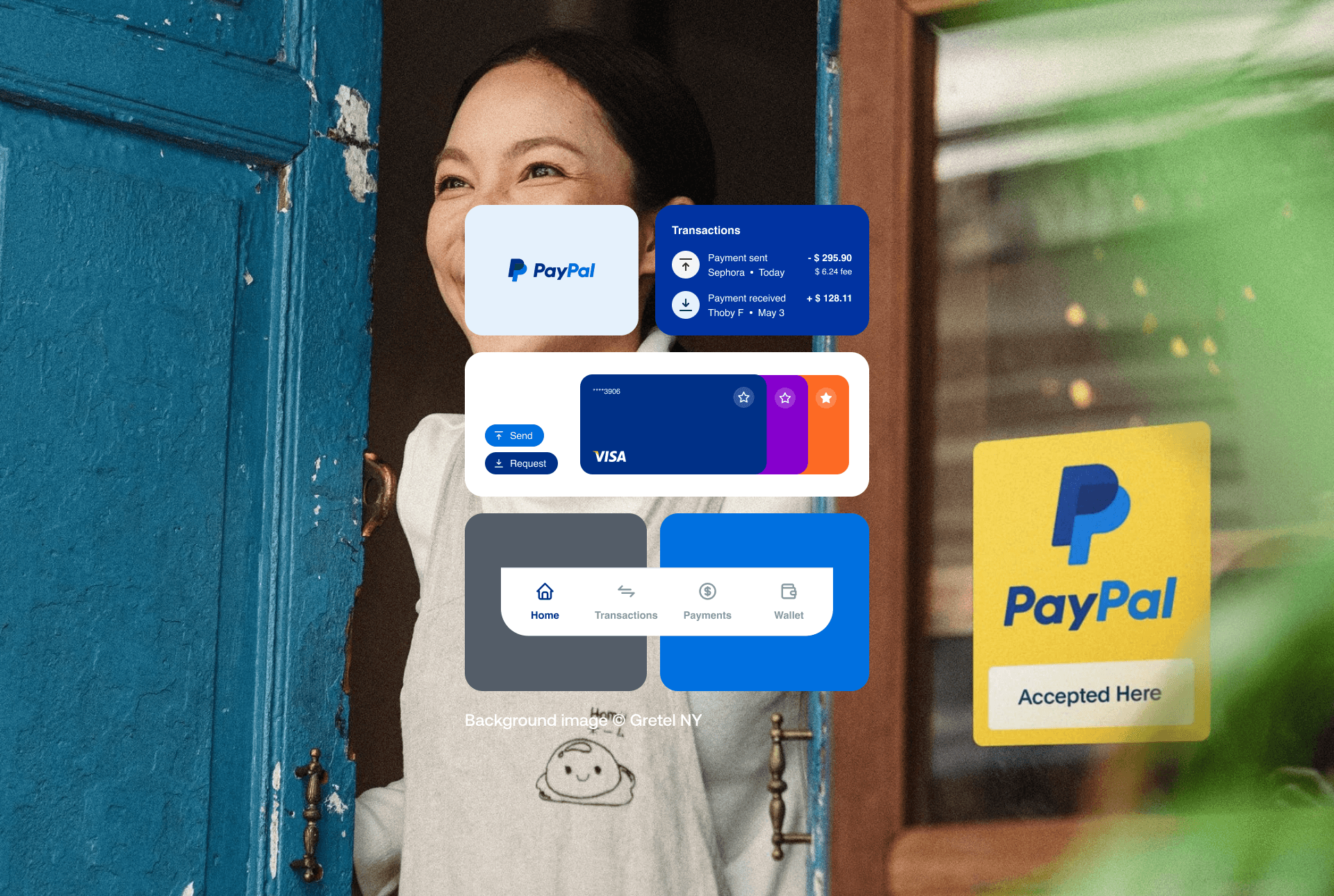
Despite its robust functionality, PayPal’s app presents a complex navigation experience and inconsistent visual patterns across screens. Following a recent rebrand led by Gretel NY, only part of the interface reflects the new design system, resulting in fragmentation that increases cognitive load and impacts usability.
Lack of Transparency
User feedback frequently points to confusion around PayPal’s fee structure, particularly for international transfers. While the app indicates that fees may apply, it fails to clearly communicate exact costs upfront. In some cases, fee details are only visible within transaction details, limiting transparency and increasing user uncertainty.
Account and Support Limitations
Users frequently report difficulties contacting PayPal’s customer support, citing slow response times and ineffective resolutions. Account freezes or limitations triggered by suspected fraud further amplify frustration, especially when communication is limited and solutions are not immediate. Additionally, critical actions like changing a password are only available in desktop mode, creating unnecessary friction for mobile-first users.
Solution
Ideation
Define a design solution
Redesign settings options
Design Consistency
Human chat in-app
Visibility of transaction details
Smooth and consistent navigation
Give users control of their accounts
1. Inconsistent Design
2. Complex Navigation
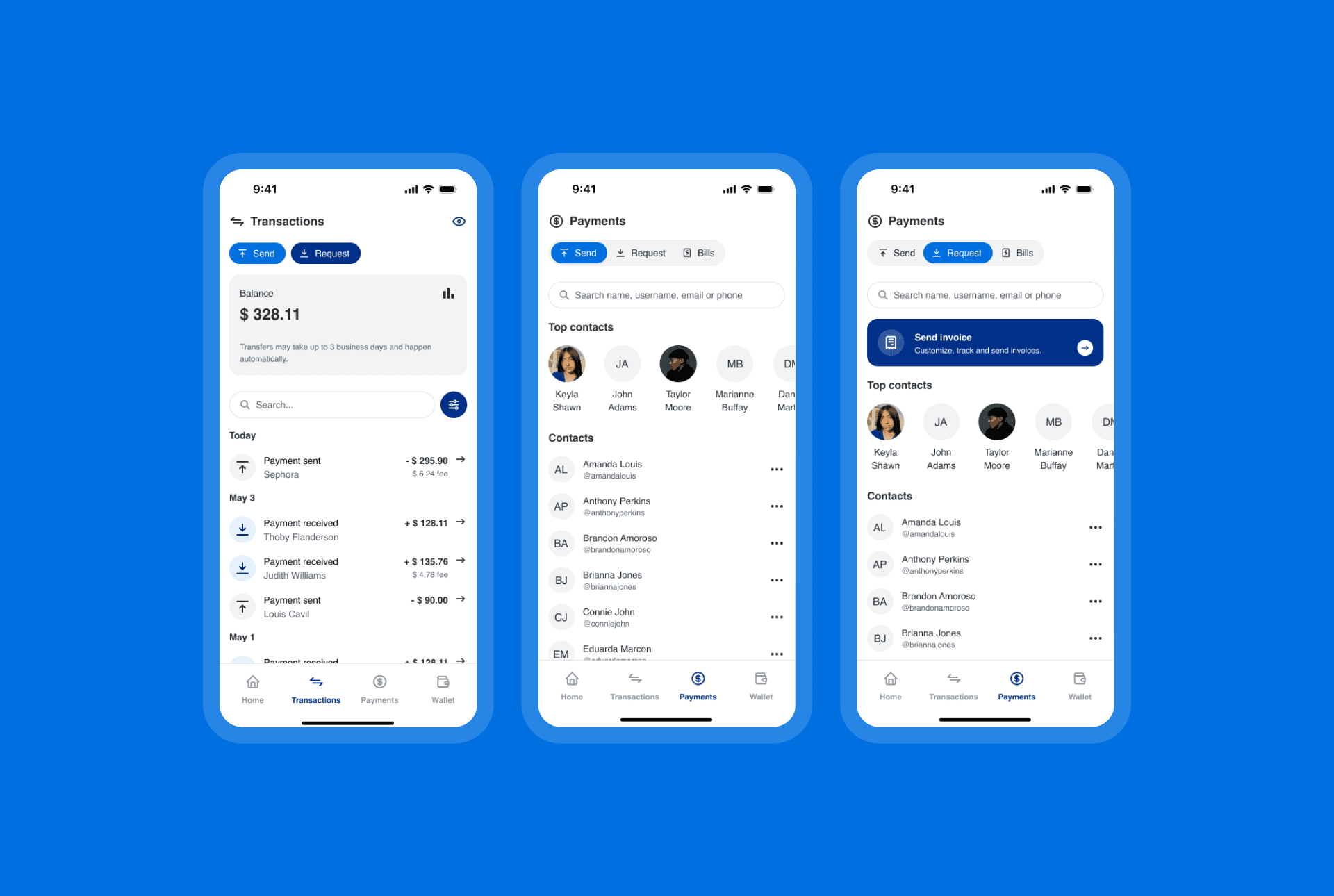
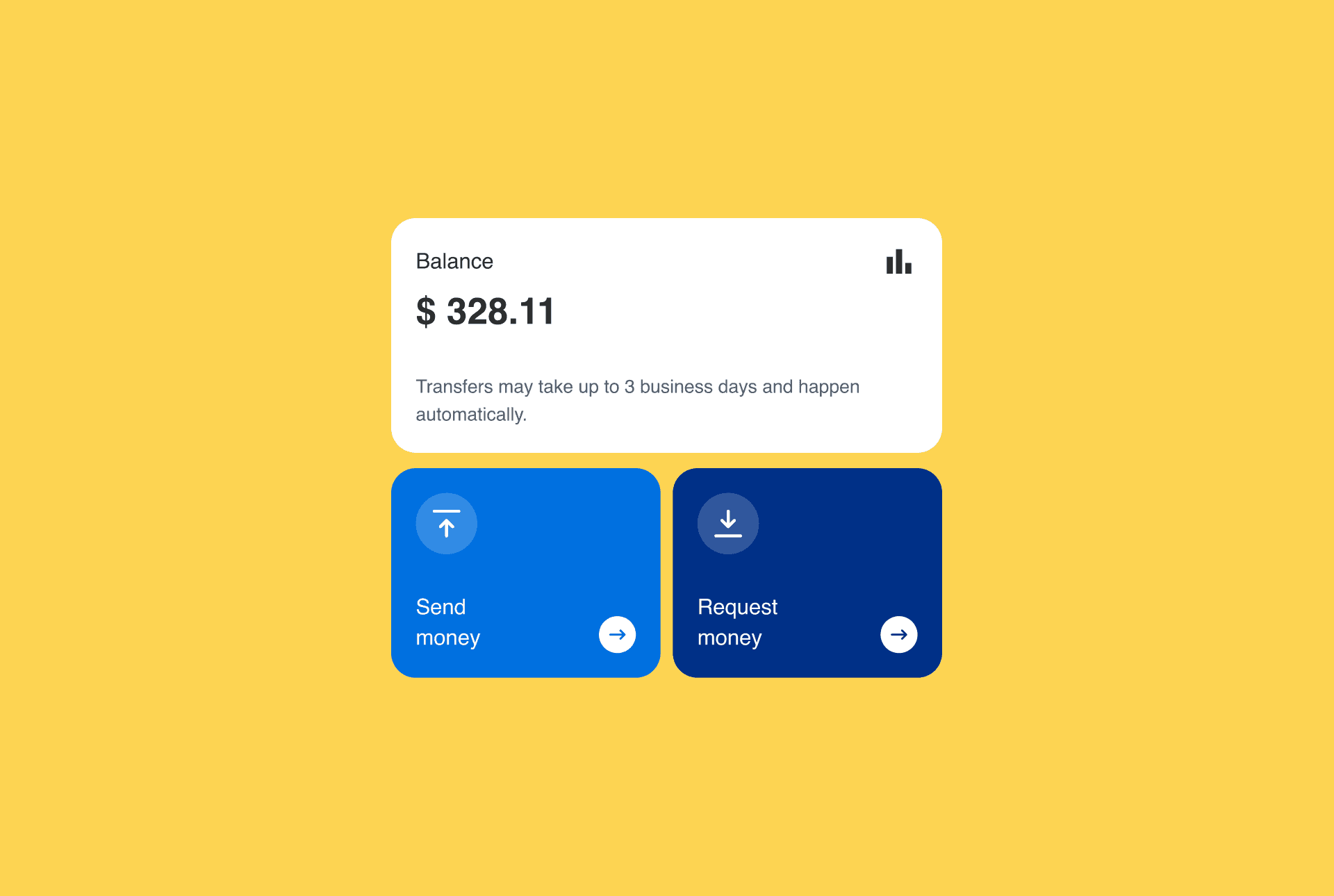
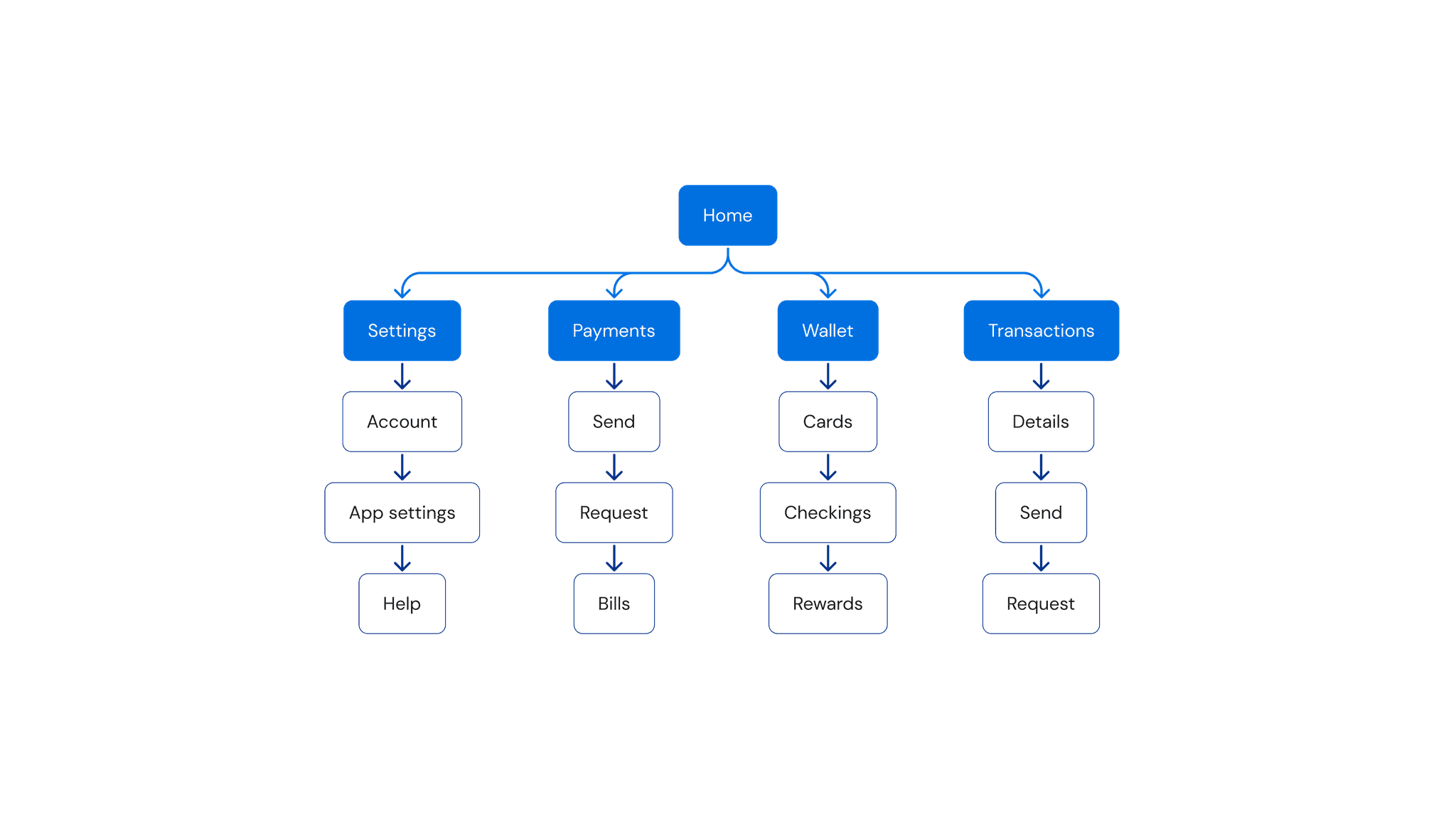
To simplify navigation, Transactions were moved from the Wallet to the main menu, reflecting their importance to users. Send and Request actions were also made more accessible across Home, Payments, and Transactions. Menu options were restructured to provide faster access to help resources, account settings, and app preferences, reducing friction and improving overall efficiency.
Lack of Transparency
To improve transparency, fees and taxes are now clearly itemized during transfers, giving users immediate visibility into costs. Total fees for both sent and received payments are displayed directly within transactions, eliminating the need to navigate into detail screens. These changes increase clarity, build trust, and support more confident financial decision-making.
Account and Support Limitations
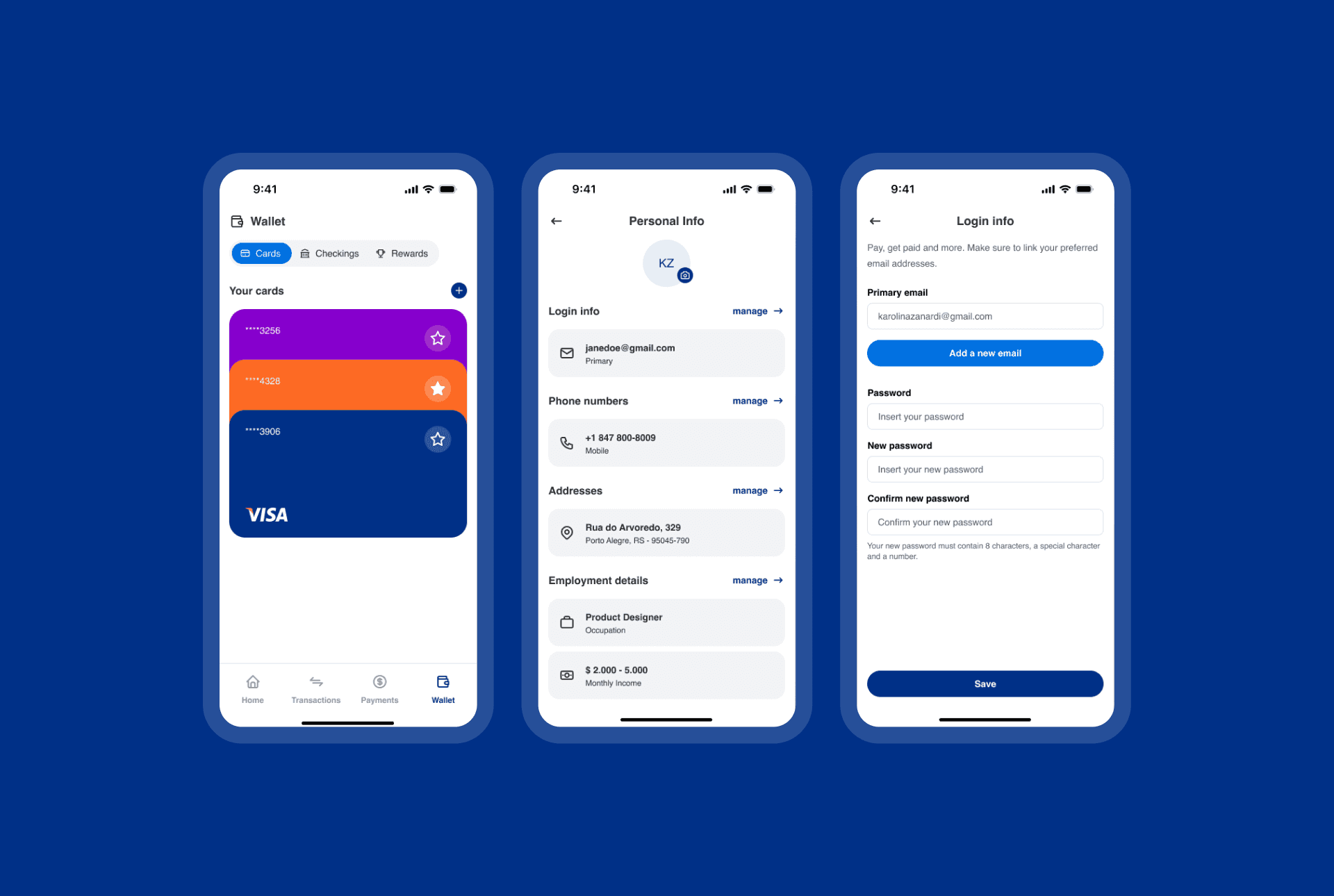
Users can now manage their accounts entirely within the app, including changing passwords without switching to desktop. The settings menu was reorganized by related topics instead of isolated options, improving findability and reducing cognitive load. All configurations are handled natively in-app, and support access was simplified with direct chat initiation—enabling faster, more seamless assistance when needed.